 Toon Tone
How to Play Toon Tone: A Complete 5-Round Color Memory Guide
Toon Tone is a cartoon color memory game: you see a character prompt, rebuild the missing color with HSB sliders, and learn how close your remembered shade was to the original.
Quick start
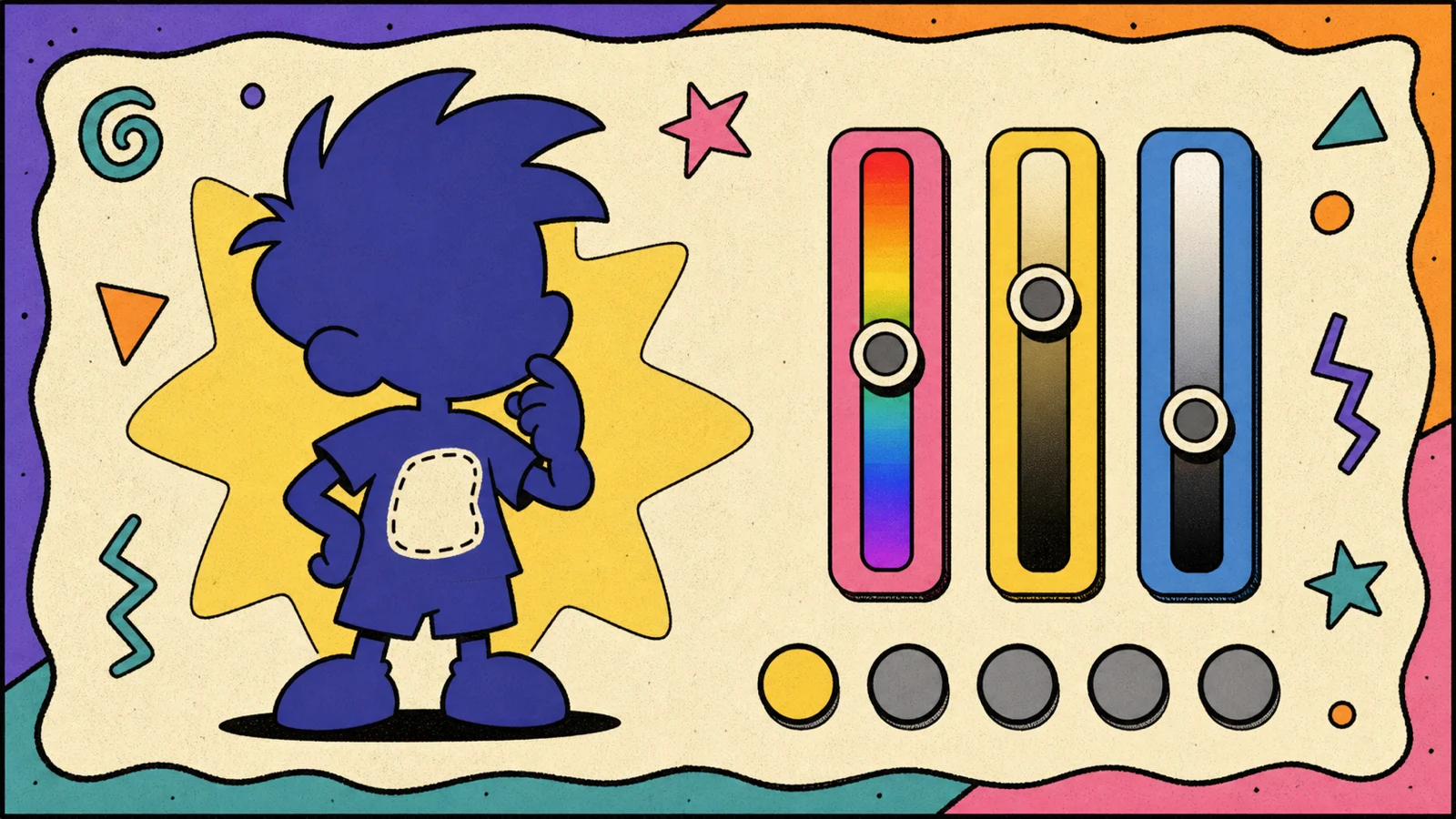
Open Toon Tone, read the question, move the three color sliders, and submit when the preview looks like the color you remember. The game reveals the original tone, gives the round a score from 0 to 10, then moves you toward a five-round average.
The important detail is that Toon Tone is not asking for a color name. You do not type "yellow" or "blue." You rebuild a specific shade: warmer or cooler, brighter or darker, cleaner or more muted. That is what makes the game more interesting than a normal cartoon quiz.
Step 1: Read the round prompt
Every round gives you three pieces of information: the character, the target part, and the source context. A question might point at a shirt, cheek, hat, hair, jacket, eye, or other recognizable piece of a cartoon design.
Do not rush this step. The same character can have different outfits, shadows, special forms, or era-specific palettes. Toon Tone is testing the color that belongs to the target in the prompt, not the general mood you associate with the character.
The image is there to anchor your memory, but it will not hand you the answer. Treat it as a reminder of the character shape and the area you need to imagine in color.
Step 2: Recall before you adjust
Before touching the sliders, pause for one second and picture the character in a real scene. Color memory works better when it is attached to an image in your head: a title card, a fight scene, a poster, a toy, or a still frame you have seen many times.
Most players do better when they decide the color family first. Is it closer to red, orange, yellow, green, cyan, blue, purple, or pink? After that, ask whether the shade feels soft, vivid, dark, pale, warm, or cool.
Step 3: Use the HSB sliders
Toon Tone uses HSB because it matches how people talk about color. Hue controls the color family. Saturation controls how intense the color is. Brightness controls how much light the shade appears to carry.
- Hue is the main color direction. A small hue change near yellow can feel subtle; a larger change can jump into green or orange.
- Saturation is the difference between dusty, pastel, clean, and neon. Cartoon colors are often vivid, but not always at full intensity.
- Brightness is the easiest slider to underestimate. Many remembered colors are brighter in your head than they are in the actual art.
A practical order is hue first, saturation second, brightness last. If you adjust brightness too early, the whole color can feel wrong and send you in circles.
Step 4: Decide when to use a hint
The hint button is for rounds where your memory has no anchor. A hint should save a round from becoming random, not replace your first guess. Use it when you know the character but cannot decide between two very different color families.
Because hints reduce the round score, they are best used early in a run or on a round that would otherwise collapse. A controlled hint is usually better than a wild guess, but a confident no-hint answer is where high scores come from.
Step 5: Submit and read the result
After you submit, Toon Tone compares your HSB guess with the original color. The result card gives you a score and shows your selection against the target. Do not only look at the number. Look at which part of your color was wrong.
If your guess feels close but the score is lower than expected, brightness or saturation is probably the problem. If it looks like a different color entirely, the hue was off. This feedback is the fastest way to improve across the next four rounds.
Step 6: Finish the five-round run
A complete game is five prompts. The final screen averages the round scores, which means consistency matters more than one lucky match. A run with five solid 8s usually feels better than one perfect 10 surrounded by misses.
Use the summary as a review. Which characters did you remember clearly? Which colors did your brain exaggerate? Did you oversaturate bright characters or make dark clothes too light? Those patterns are the real training value of Toon Tone.
Sharing, leaderboard, and replay
After a run, you can share the result or replay for a fresh attempt. The social layer is intentionally light: the core game stays focused on color recall, not account management. If you want a better score, play another set and pay attention to the dimension you missed most often.
Tips for 9+ scores
- Choose hue quickly, then spend your time on saturation and brightness.
- Do not push saturation to 100 just because the character is from a cartoon.
- Watch for base color versus shadow color. Toon Tone targets the intended color, not a temporary lighting effect.
- Avoid playing with night shift or heavy screen tint enabled.
- After each reveal, name the mistake: hue miss, saturation miss, or brightness miss.
Frequently asked questions
Is Toon Tone free?
Yes. Toon Tone runs in the browser and the core game is free to play.
How long does one Toon Tone game take?
Most five-round runs take a few minutes. Careful players may spend longer on each color, but the format is designed for short sessions.
Why does Toon Tone use HSB instead of RGB?
HSB maps better to human decisions: what color family is it, how vivid is it, and how bright is it. RGB is precise for computers but harder for casual players to reason about.
Can I play on mobile?
Yes. The game is built for modern mobile and desktop browsers, and the sliders support touch input.